Instalasi Microsoft VS Code
Download from the Official VS Code Website https://code.visualstudio.com/download or install from Microsoft Store
Click on the Extension icon on the left sidebar, or press Ctrl+Shift+X
- 3.1. Install WSL Extension (by Microsoft): Connects VS Code directly into your
Linux environment.
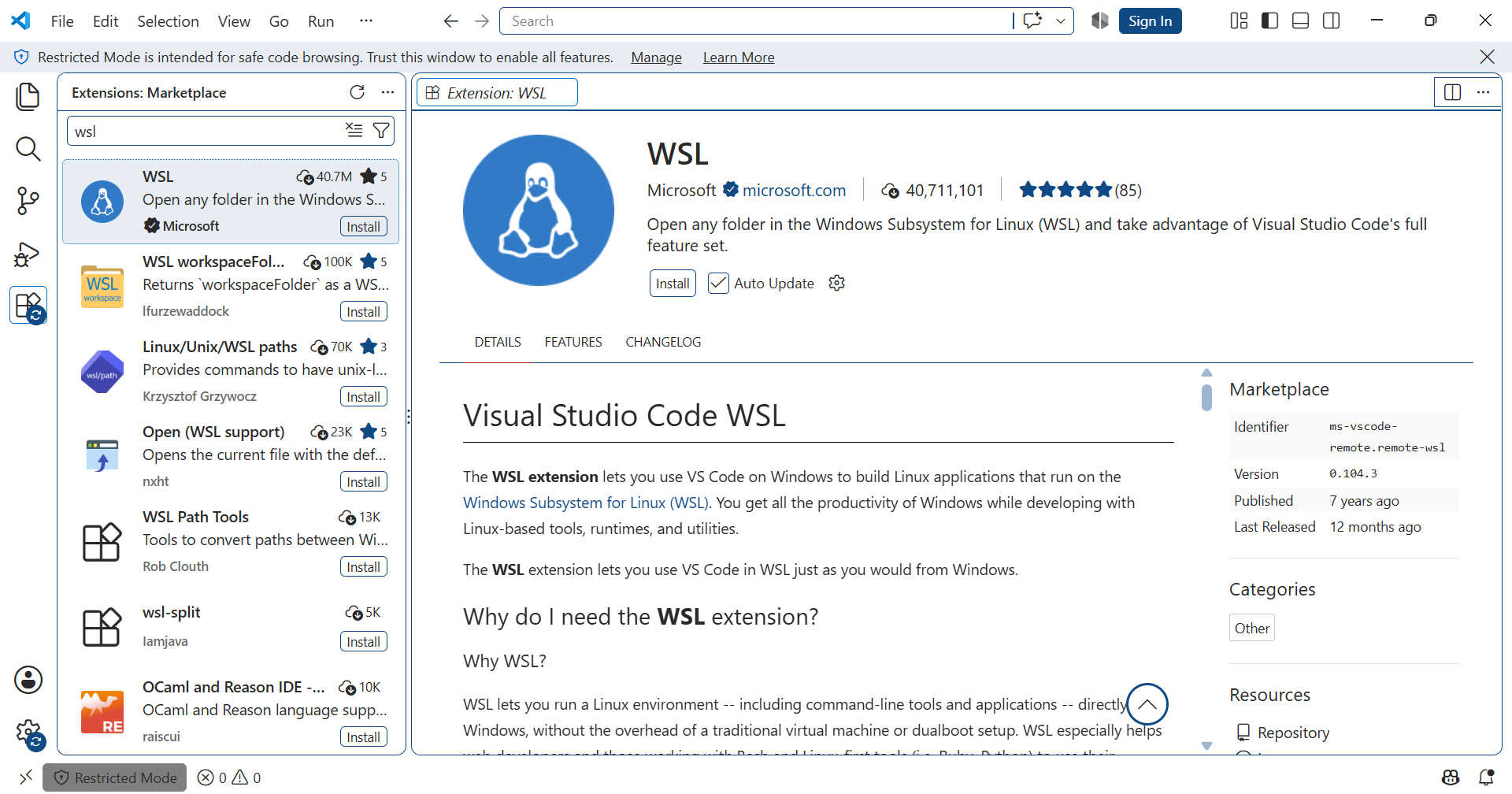
Install WSL extension
- 3.2. Install Dev Containers Extension (by Microsoft): Allows you to open any folder
inside a Docker container.
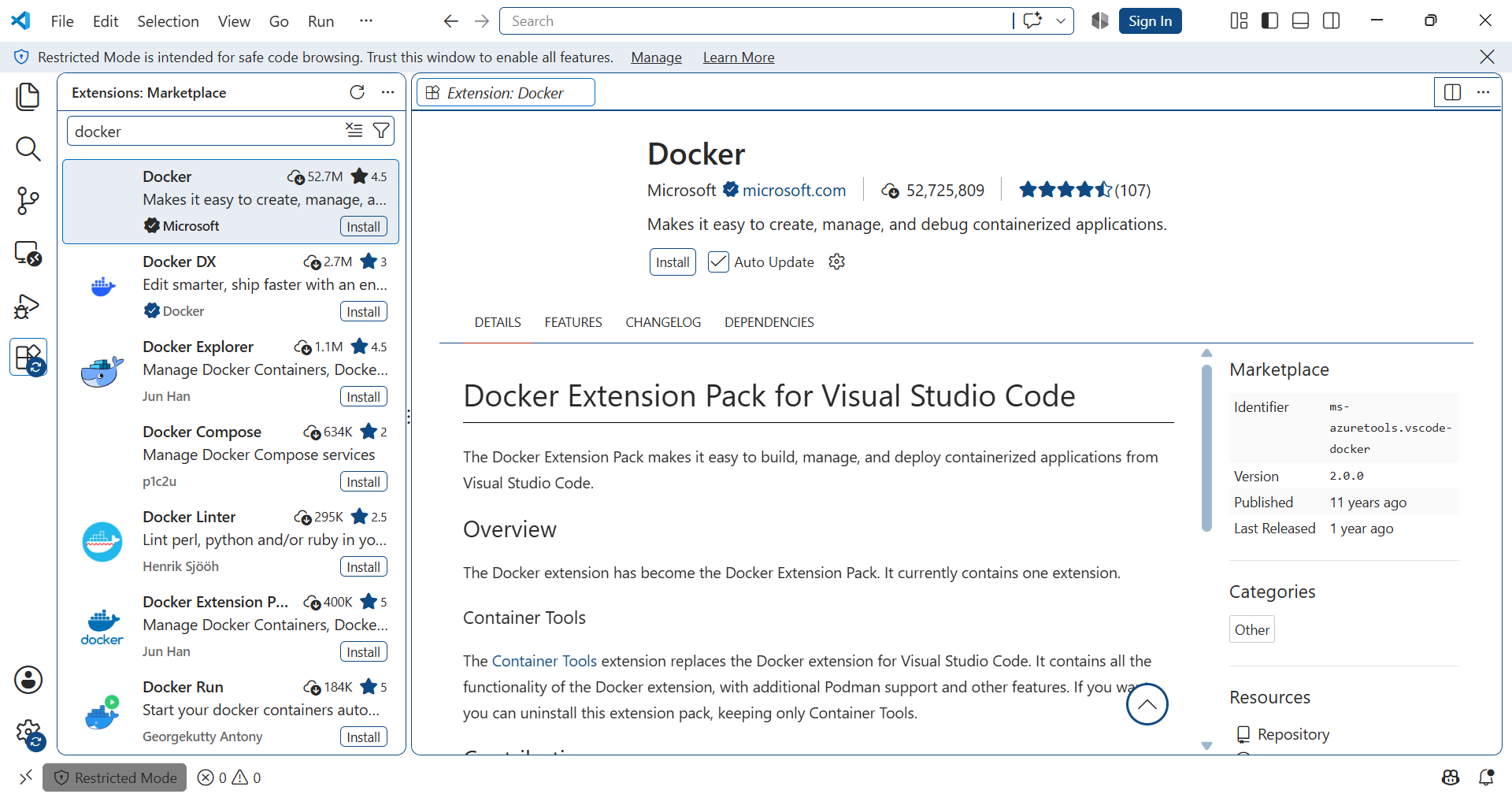
Install Docker extension
3.3. Install Docker Extension: For managing your images and containers visually.
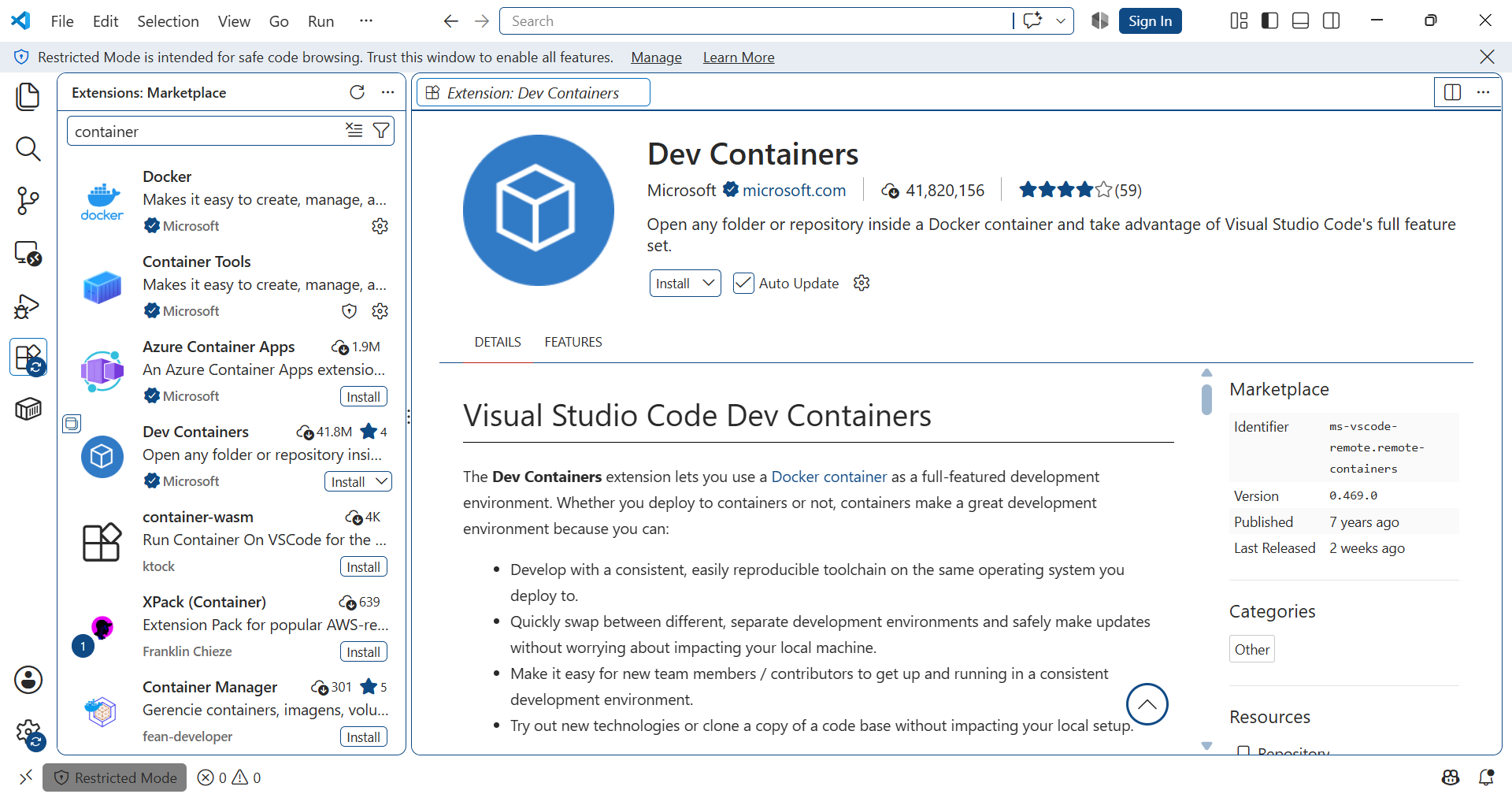
Install Dev Container extension
Prepare WSL2 for VS Code
Dev Containers: Install Docker in WSL
WSL: Connect to WSL
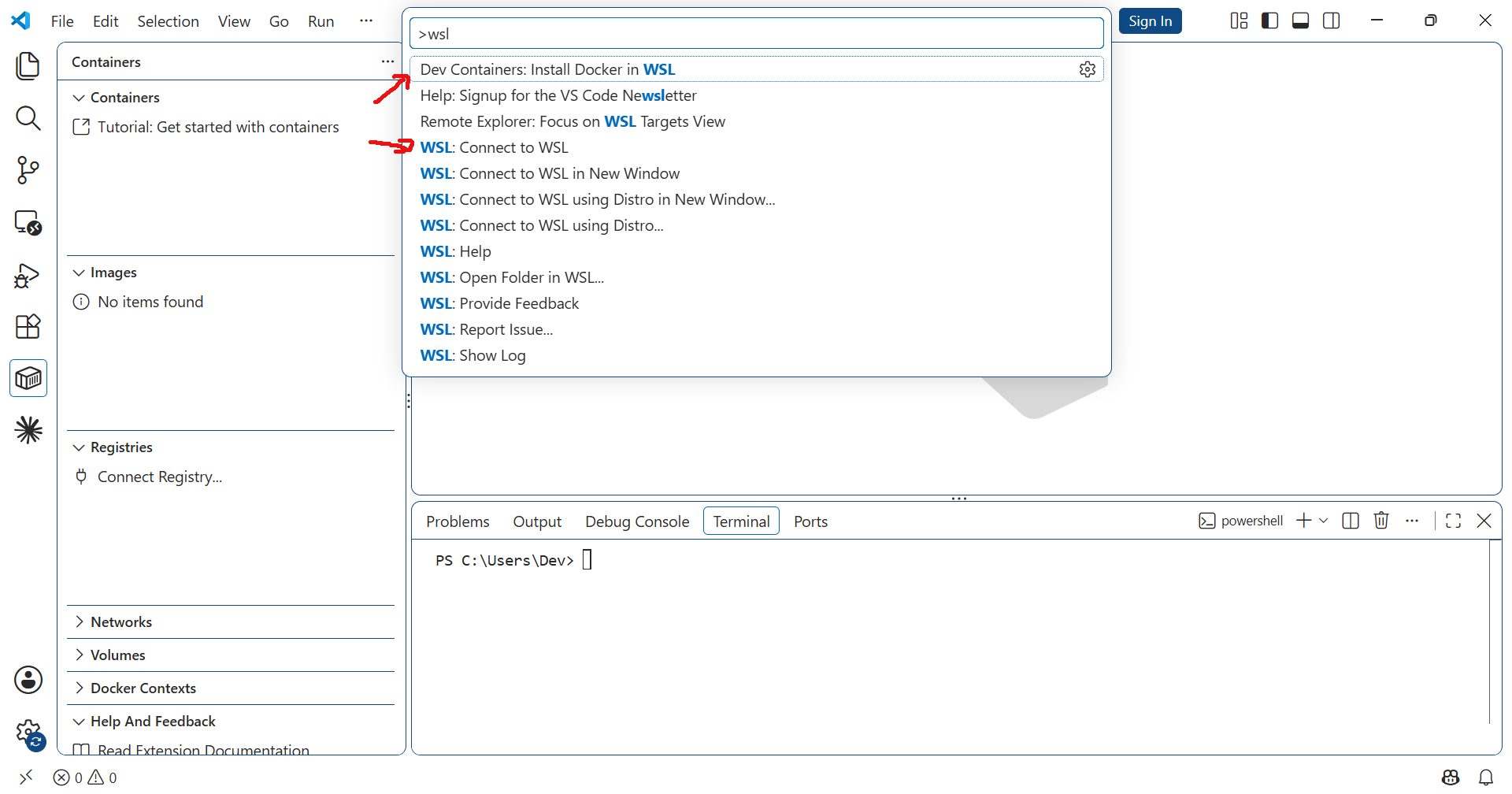
Prepare WSL for VS Code